
 EN
EN10:15Di, 15.09.26 15.09.26 09:36
03:00 8°C
8°C
8°C09:00 4°C
4°C
4°C15:00 16°C
16°C
16°C21:00 12°C
12°C
12°CI am back
15.09.26 09:36
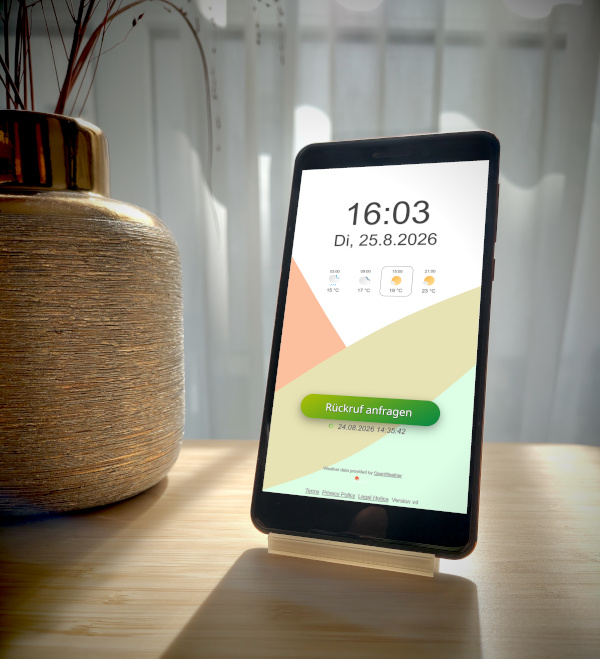
Your old phone becomes a smart display.
Set it up and keep it always on
Set up your old smartphone and place it in a fixed spot in your home. The display stays on at all times.
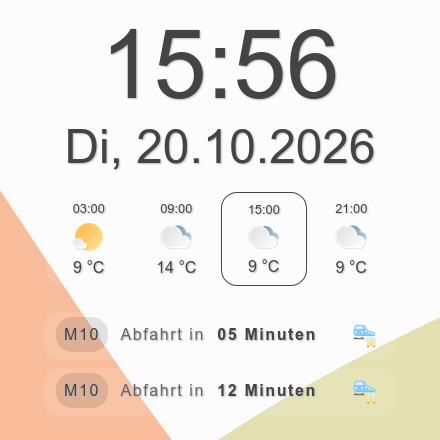
Keep the time, weather, and more in sight
Customize the appearance and content to your liking, turning your old smartphone into your personal everyday assistant.
Notifications at the touch of a button
Use the customizable button to log events and, if you wish, trigger notifications to yourself or your family members via SMS, phone call, Telegram, or email.
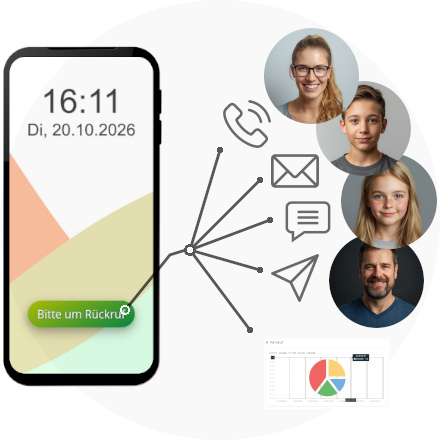

One tap that makes a difference in everyday life.
Whether it's a reminder, a completed task, or a quick check-in, Liase is versatile thanks to its built-in notification button.
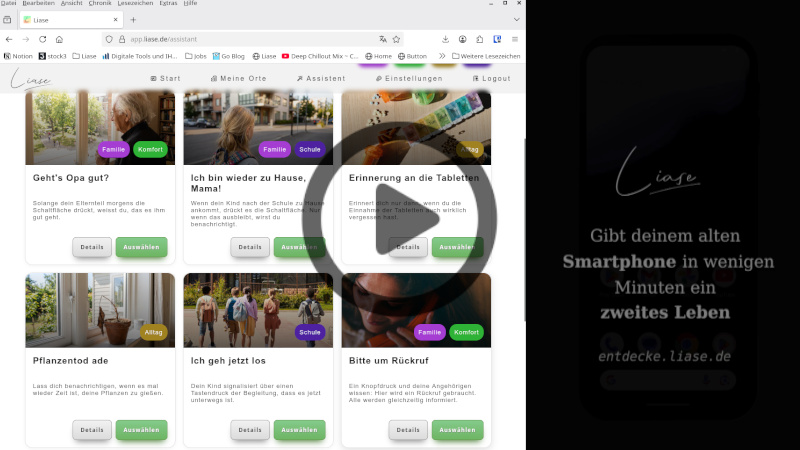
Here are a few selected examples from our template catalog.
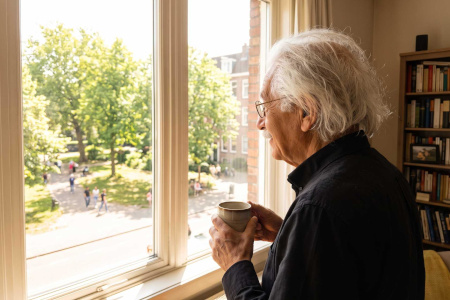
Is Grandpa doing okay?
Grandpa presses the button in the morning. If he forgets to do so, his daughter and son are automatically notified.
Family
Comfort



For your everyday life. For your family.

For you
Use Liase to remind yourself of specific tasks or keep track of events, for example.
For families
Has my child arrived home? Have the homework assignments been completed? Is the school support assistant already on the way? Everyday family life comes with lots of little questions that Liase can help answer in a simple, hassle-free way.


For older adults
Even if family members can't be there all the time, Liase can help them stay connected. For example, a simple check-in can let them know that everything is okay. Or family members can be notified if an expected check-in doesn't come through.

Benefits

Give your old phone a new purpose
Turn your unused smartphone into a practical everyday companion with Liase.

Fits seamlessly into your daily life
With extensions like the weather forecast, you can get useful information just as you're passing by.

Greater peace of mind
Stay connected with your loved ones and keep track of important routines.

You decide how Liase works
Use a ready-made template or define for yourself who gets notified when a button is pressed or an expected response is missed.
Curious?
Then sign up and use Liase for free, indefinitely.
Free with the Free plan • All you need is an old smartphoneHow it works

Set up old phone
Set up your old smartphone using our assistant, for example as a check-in button.


Place the device
Put the device where you need it. The display always keeps on and it now acts as an input and output device.


Configure notifications
Set your preferences on the web portal to specify how you would like to be notified in the future if the button is not pressed or if it is pressed.


Share access
Invite family members or friends so they can be notified as well.


Set up in just a few minutes
Even without any prior technical knowledge, setup takes just a few minutes.

Plans
You can use Liase for free with some limitations. If you need more devices or notification channels, you can upgrade at any time.
Join the beta for free now
Create a free account and try out the service before its official launch. All features are available for free during the beta. Your feedback will help us continue to improve the service.
Plan M
NaN € / month
All fees included *
All fees included *
Monthly (rule-based) ...
Send emails
Receive calls
Send SMS
Send Telegram messages
Total ...
Create devices
Devices per location
Plan S
NaN € / month
All fees included *
All fees included *
Monthly (rule-based) ...
Send emails
Receive calls
Send SMS
Send Telegram messages
Total ...
Create devices
Devices per location
Free
NaN € / month
All fees included *
All fees included *
Monthly (rule-based) ...
Send emails
Receive calls
Send SMS
Send Telegram messages
Total ...
Create devices
Devices per location
* VAT is not included in accordance with § 19 of the german VAT Act (UStG, small business regulation)
You always start with the free plan. You can upgrade later in your profile settings.
Frequently Asked Questions

Is Liase really free?
What happens to my data?
Which smartphones are supported?
Do I need any technical knowledge?
What happens if there are technical problems?

Our mission
In Germany alone, approximately 167 million old smartphones lie unused in drawers [1]. They contain valuable raw materials, some of which are extracted through processes that cause significant harm to people and the environment.
Making better use of these resources is important. But even when people are aware of the problem, that doesn't necessarily mean they'll pass on, sell, or properly recycle their old smartphones. After all, all of these options take time and effort.
 Aerial view of a mine illustrating the environmental impact of resource extraction.
That's why Liase takes a different approach: Rather than simply encouraging people to put old devices back into circulation, we want to show them the potential these devices still hold. With Liase, your old smartphone becomes a practical everyday companion. This creates value for you personally while keeping existing technology in use instead of letting it gather dust in a drawer.
[1] Bitkom 2026




Copyright © 2026 liase.de